Table of Contents
What is MiniTool Partition Wizard?
MiniTool Partition Wizard is a popular disk and partition management program designed to help users organize, manage and optimize storage devices. It allows you to perform a variety of tasks including creating new partitions, resizing existing ones, formatting drives and deleting unwanted partitions.

The software is designed with simplicity in mind making it suitable for both beginners and experienced users. For advanced operations such as disk cloning or migrating Windows to a different drive built in wizards guide users through each step of the process. Before any changes are applied the software displays a preview of pending operations, allowing users to review and confirm modifications before they take effect.
User Interface and Ease of Use
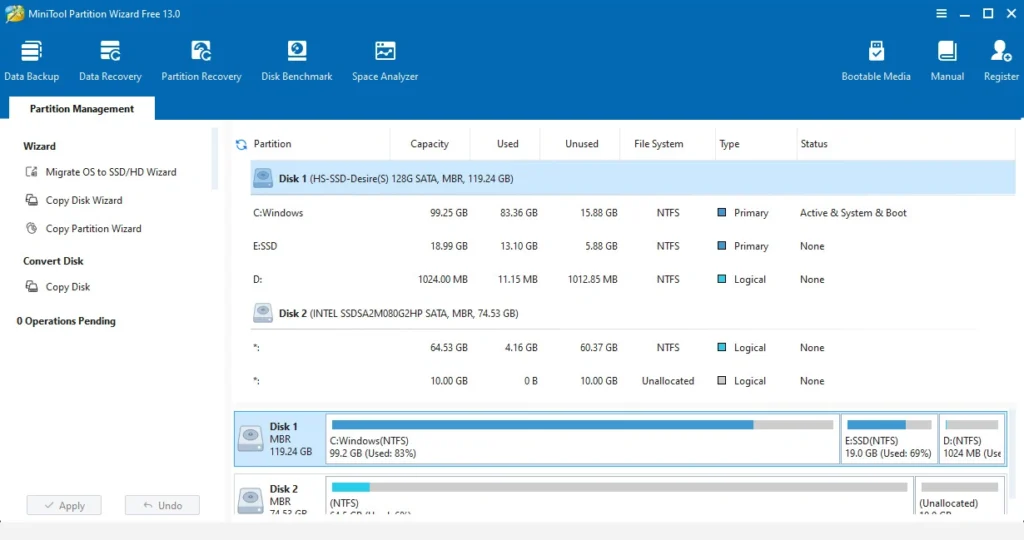
One of the biggest strengths of MiniTool Partition Wizard is its clean and organized interface. All major tools are displayed clearly on the main dashboard making them easy to locate and use. Users can quickly access common functions such as creating, deleting, moving, formatting and resizing partitions without navigating through complicated menus. For more advanced tasks the software provides step by step instructions that simplify complex operations and reduce the chance of errors.
The overall design is intuitive and beginner friendly making disk management less intimidating for first time users.
Why Choose MiniTool Partition Wizard?
There are many partition management tools available, but MiniTool Partition Wizard offers several advantages that make it stand out because of these advanced features:
Complete Disk Management Solution
MiniTool Partition Wizard combines multiple storage management functions into a single application. Users can perform partition management, disk cloning, operating system migration, performance testing and data recovery without needing separate programs.
Broad Compatibility
The software supports a wide range of Windows operating systems, including Windows 7, Windows 8, Windows 10 and Windows 11. It is compatible with common file systems such as NTFS, FAT32, exFAT and Ext, while also supporting SSDs, HDDs and dynamic disks.
Reliable and Secure Operations
To help protect user data MiniTool includes safety mechanisms such as power loss protection and secure data wiping. These features make it a dependable choice for both personal and professional use.
Main Features of MiniTool Partition Wizard
1. Advanced Partition Management
The software allows users to create, resize, move, merge, split, hide, delete, format and wipe partitions with ease. Whether you need to extend available storage or reorganize disk space the process is quick and straightforward.
2. Disk and File System Conversion
MiniTool Partition Wizard supports conversion between different partition styles and file systems. Users can switch between MBR and GPT disks, convert FAT32 to NTFS and change partition types without affecting existing data.
3. Disk Cloning and OS Migration
The cloning tools enable users to duplicate entire disks or individual partitions. The OS Migration feature simplifies transferring Windows from one drive to another making SSD upgrades much easier.
4. Built In Disk Utilities
The software includes several useful maintenance tools. Partition Recovery can restore lost partitions while Space Analyzer helps identify files and folders consuming large amounts of storage. Additional utilities include disk benchmarking and secure data erasure.
5. Surface Test

The Surface Test feature scans storage devices for bad sectors. These damaged areas can lead to file corruption, reduced performance or data loss.
During the scan healthy sectors are displayed in green while problematic sectors are highlighted in red. Detecting issues early allows users to back up important data and replace failing drives before major problems occur.
6. Disk Benchmark

Disk Benchmark measures the read and write performance of storage devices. Results are presented in an easy to read graph allowing users to evaluate drive performance, compare storage devices or diagnose slow system behavior.
This feature is particularly useful when testing SSDs, external drives or older hard disks.
7. Secure Data Wiping

The Wipe Data function permanently removes information from a drive by overwriting storage sectors. Unlike standard deletion methods which simply remove file references secure wiping makes recovery virtually impossible.
This feature is recommended when selling, donating or disposing of storage devices containing personal information.
8. Data Recovery
MiniTool Partition Wizard includes data recovery capabilities in its premium editions. The tool can recover deleted files, lost partitions and data affected by formatting errors or system failures.
It supports recovery from hard drives, SSDs, USB flash drives, memory cards and other storage devices. Users can preview recoverable files before restoration.
This feature is included only in the paid editions but it can be a lifesaver if you’ve lost important data.
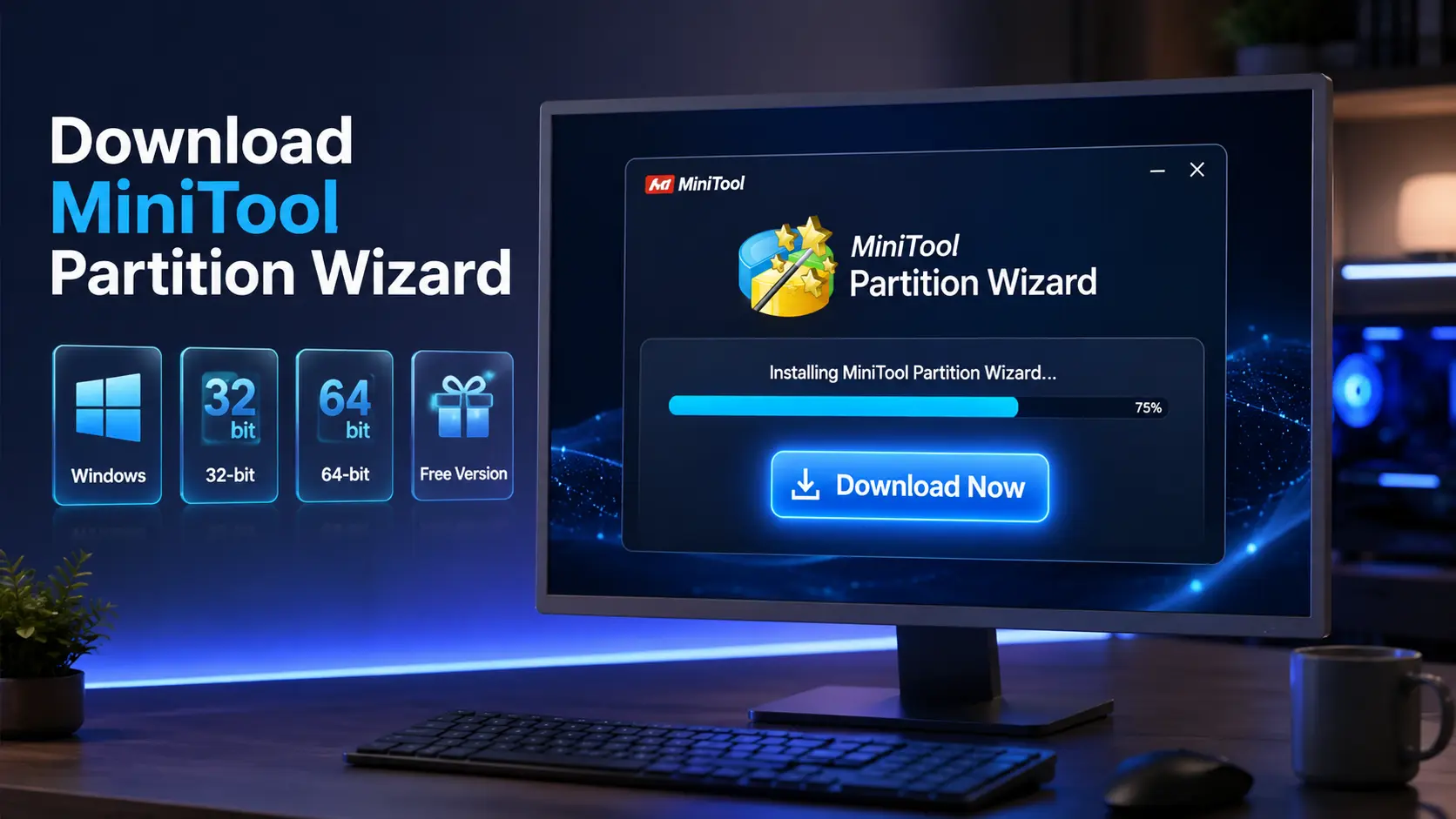
How to Download MiniTool Partition Wizard
To get started with MiniTool Partition Wizard on your PC, follow these steps:
Step 1: Download MiniTool Partition Wizard
- Go to the Download Link.
- Click on the download button to start downloading MiniTool Partition Wizard.
Step 2: Extract and Run the Setup
- Right click the file and select “Extract Here“. (You’ll need a tool like WinRAR or 7-Zip to extract it.)
- After extraction, run the MiniTool Partition Wizard.exe file to install program.
- Follow the on screen steps.
- Done! You have successfully downloaded and installed MiniTool Partition Wizard.
MiniTool Partition Wizard Free vs Paid Versions
MiniTool Partition Wizard uses a freemium model with both free and paid versions.
Here’s a quick breakdown:
Free Edition
The free edition includes essential partition management tools such as creating, deleting, formatting, moving and resizing partitions. For most home users these features are sufficient for day to day disk management tasks.
Premium Editions
Premium editions unlock advanced functionality, including partition recovery, dynamic disk support, advanced cloning features and professional grade management tools. Pricing varies based on the selected plan and licensing type.
If you want to check pricing for all plans visit: @Check_Pricing
System Requirements
Before installing MiniTool Partition Wizard, ensure your system meets the following requirements:
Minimum Requirements
- Windows: Windows 7 or above.
- Processor: Pentium-4, 1 Ghz or higher.
- RAM: At least 1 GB.
- Graphics: not required.
- Hard Disk: 200 MB.
- Sound Card: not required.
- Microphone: not required.
- Internet: not required.
Conclusion
MiniTool Partition Wizard is a dependable disk management utility that combines ease of use with a wide range of advanced features. Its free version covers most common partition tasks while paid editions offer powerful recovery and migration tools for more demanding users. Whether you need to resize partitions, clone a drive, recover data or monitor disk performance MiniTool Partition Wizard provides a practical solution for managing storage devices efficiently.
Setup Details
- Software Name: MiniTool Partition Wizard
- Download File Size: 3.10 MB (version 13)
- Application Type: Free Online Installer
- Compatibility: Both (32/64-bit)
- File Format: WinRAR File
- Password: theleanerz.com
Download Links
Note: Password for all files is thelearnerz.com
By clicking this button your download will start automatically, after the countdown. Please click only once and wait for the application to begin downloading.
DownloadIf you want to download MiniTool Partition Wizard from Official site please visit @MiniTool Partition Wizard.