Table of Contents
What is Typing Master Pro?
Typing Master Pro is a computer program designed to help users learn and practice typing on a keyboard. It works like a personal trainer that guides you through small lessons, shows the correct finger placement and provides exercises to improve typing speed and accuracy.
Many people type slowly because they constantly look at the keyboard while writing. This habit reduces speed and increases mistakes. Typing Master Pro teaches a technique called touch typing which allows you to type without looking at the keyboard. Over time your fingers learn the position of keys and typing becomes faster and more natural.
The software starts with simple lessons so beginners can understand the keyboard layout easily. As you continue practicing, the lessons become slightly more advanced and help you improve gradually. Instead of random practice, the program follows a structured learning method that builds strong typing habits. In simple words, Typing Master Pro is software that trains you to type faster, more accurately and with better confidence.
User Interface and Ease of Use
Typing Master Pro has a clean and simple interface that makes it easy to use even for beginners. When you open the program, you will see clearly labeled menus for lessons, practice sessions and progress reports.
The design focuses mainly on learning without unnecessary distractions. Each lesson provides clear instructions on the screen, guiding you about which key to press and which finger to use. This step by step guidance helps users understand the typing process easily.
The layout is organized so that users can quickly move between lessons, practice exercises, and typing tests. Everything is placed in a logical order making navigation simple even for someone who has never used typing software before.
Another advantage is that the program runs smoothly on most computers. It does not require heavy system resources which means even older computers can run it without slowing down. Overall, the interface is straightforward and beginner friendly allowing users to focus fully on improving their typing skills.
Why Use Typing Master Pro?
Typing Master Pro is a popular choice for people who want to improve their typing speed in a structured way. It offers many useful features that make learning simple and effective.
One of the main reasons people use this program is its step by step typing courses. These courses guide users from basic keyboard understanding to advanced typing exercises. Each lesson focuses on specific keys and gradually builds your typing ability.
The software also includes adaptive learning technology. This means it tracks your typing performance and identifies keys where you make mistakes. After detecting weak areas, the program creates special practice exercises to help you improve those keys.
Another interesting feature is the Typing Meter (Satellite). This tool runs in the background and monitors your typing activity on the computer. Based on your typing behavior, it suggests additional exercises that help strengthen your weak points.
Typing Games
To make learning more enjoyable, the software includes built in typing games. These games turn practice into a fun activity rather than a boring routine.
Some of the games included are:
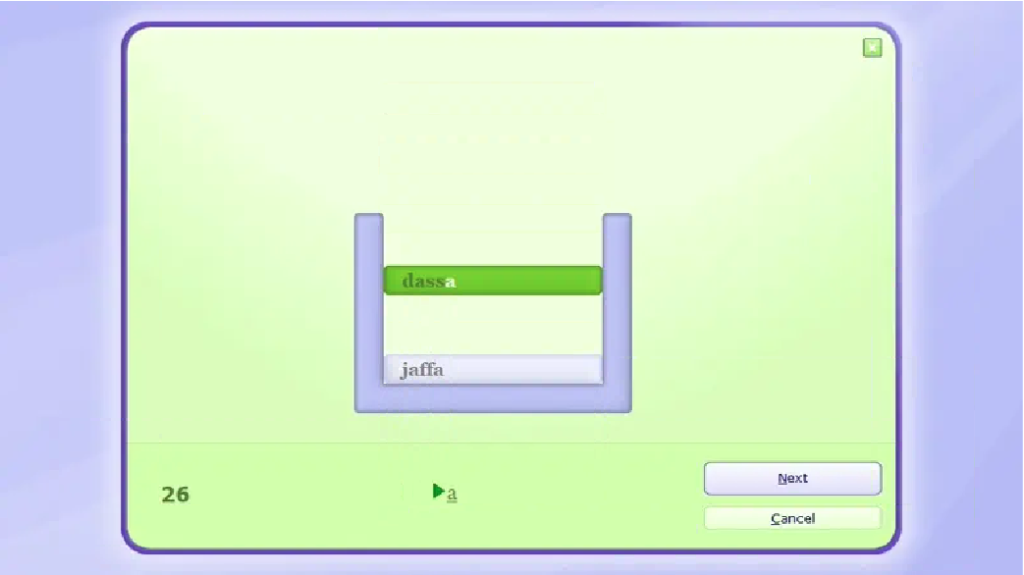
WordTris
In this game, words fall down the screen like blocks in the classic Tetris game. Your task is to type the words before they reach the bottom.
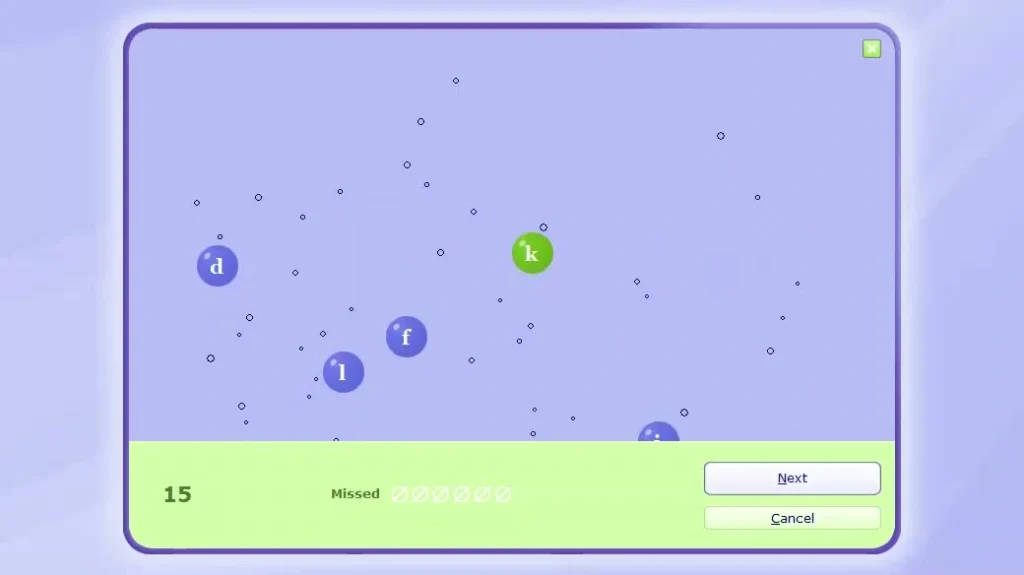
Bubbles Game
Small bubbles appear on the screen, each containing a letter. You must type the letter before the bubble disappears.
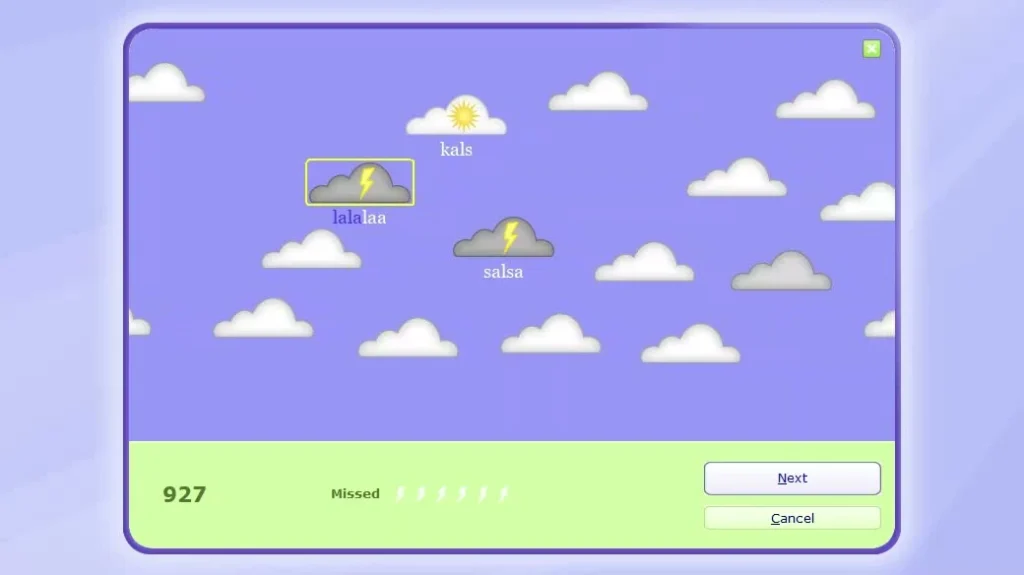
Clouds Game
Clouds move across the screen with words inside them. You need to type those words before the clouds float away.
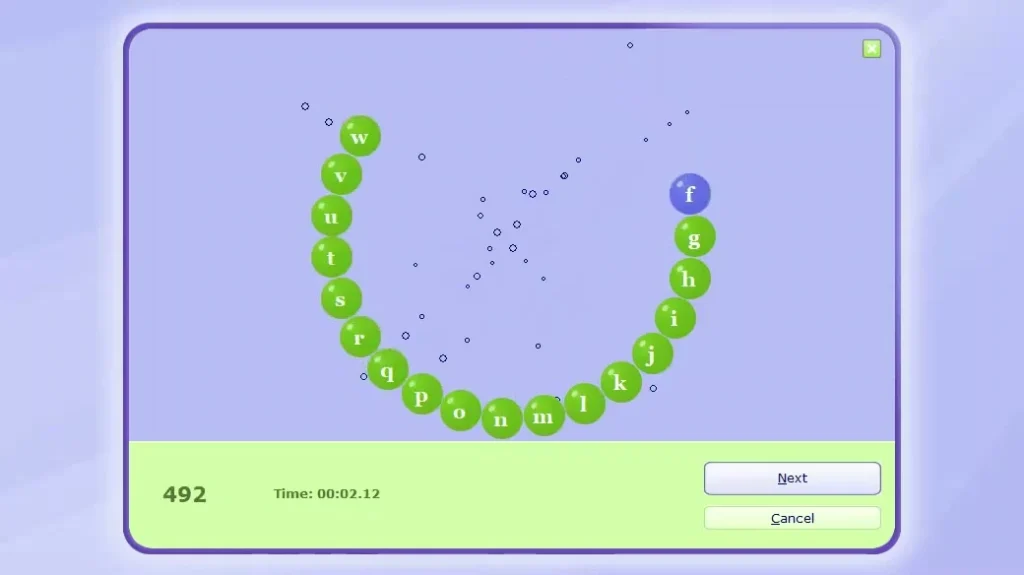
ABC Game
Letters appear one by one on the screen, and you must press the correct key as quickly as possible. These games help improve reaction speed and make practice sessions more engaging.
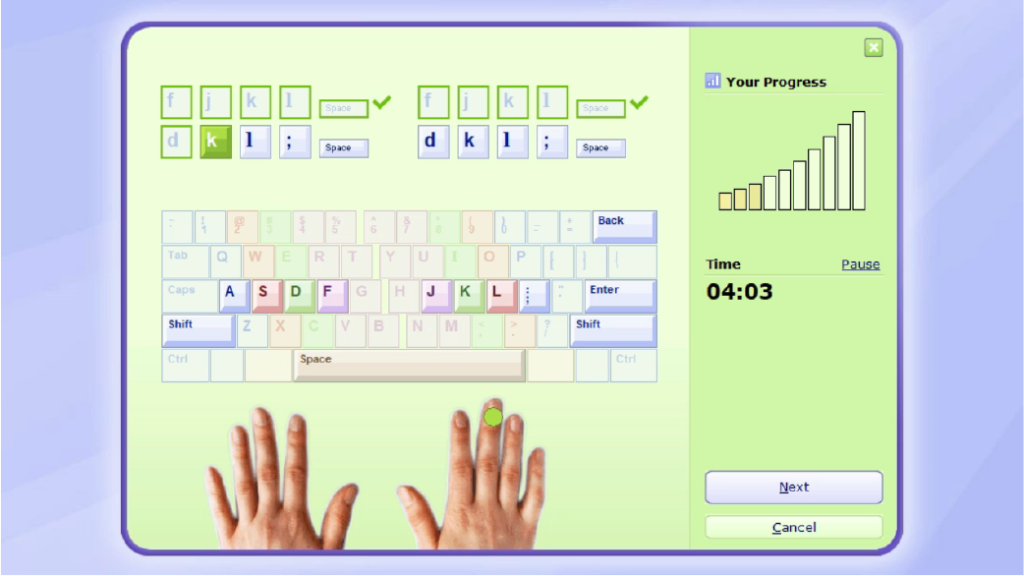
Comprehensive Courses
Typing Master Pro provides structured courses that cover the entire typing learning process. The lessons begin with the basics, teaching correct finger placement and keyboard familiarity. As you progress, the exercises focus on increasing typing speed while maintaining accuracy.
Lightweight and Offline
Another great advantage is that the software is very lightweight. It does not consume much memory or processor power, so it works well even on basic computers.
Once installed, you can use it completely offline. This means you don’t need an internet connection to practice typing, which is helpful for users with limited internet access.
Detailed Progress Feedback
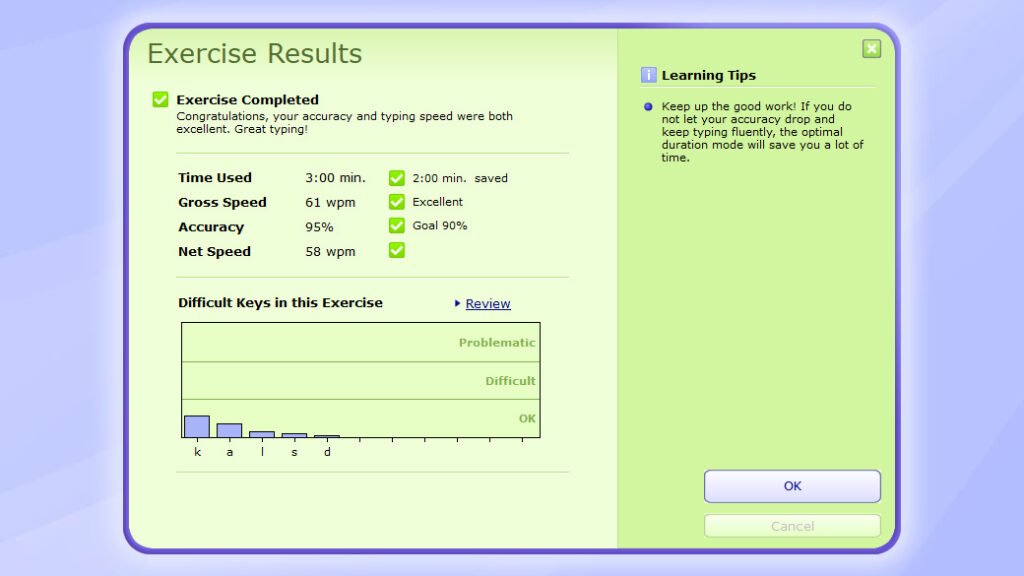
Tracking your progress is an important part of learning. The program provides typing tests and detailed reports after each practice session.
It measures important statistics such as:
- Words per minute (WPM)
- Typing accuracy
- Error count
- Overall improvement
These reports help you understand how much your typing has improved and which areas need more practice.
How to Download Typing Master Pro
To get started with Typing Master Pro on your PC, follow these steps:
Step 1: Download Typing Master Pro
- Go to the Download Link.
- Click on the download button to start downloading Typing Master Pro.
Note: You can also download Typing Master 11 and Typing Master 12 for more advanced features.
Step 2: Extract and Run the Setup
- Right click the file and select “Extract Here“. (You’ll need a tool like WinRAR or 7-Zip to extract it.)
- After extraction, run the Typing Master Pro.exe file to install program.
- Follow the on screen steps.
- Done! You have successfully downloaded and installed Typing Master Pro.
Is Typing Master Pro Free or Paid?
Typing Master 7 is not completely free software. It offers a free trial version that allows users to try some of the lessons and features.
In the trial version you can access only a limited number of lessons. For example, users are usually able to complete only two lessons. After reaching this limit, the remaining lessons become locked.To unlock all features and access the full training course, users need to purchase a license for the complete version.
If you want to check pricing please visit: @Check_Pricing
System Requirements
Typing Master Pro is very lightweight and does not require a powerful computer. It can run smoothly on most Windows systems.
Minimum requirements include:
- Windows operating system.
- Basic processor (Pentium 4 or higher).
- Low RAM usage.
- Small storage space.
Because of these low requirements the software works well even on older computers.
Conclusion
Typing Master Pro is a useful tool for anyone who wants to improve their typing skills. It combines structured lessons, intelligent training features, fun games, and detailed progress tracking to create a complete typing learning experience.
The simple interface makes it easy for beginners to start practicing without confusion. At the same time, advanced features help users gradually increase their typing speed and accuracy.
With regular practice, users can build confidence and develop strong typing habits that will help in studies, office work, and everyday computer use.
If you are looking for software that can help you learn touch typing and improve your keyboard skills, Typing Master Pro can be a great choice.
Setup Details
- Software Name: Typing Master Pro
- Download File Size: 8.49 MB
- Application Type: Full Standalone Setup
- Compatibility: Windows (32/64-bit)
- File Format: WinRAR File
- Password: thelearnerz.com
Download Links
Click the button below to safely download the file to your computer.