Table of Contents
What is Typing Master 12?
Typing Master 12 is a powerful typing tutor designed to help users improve their keyboard skills efficiently. It works like a virtual instructor, guiding you through structured lessons, teaching correct finger placement and offering targeted exercises to boost both speed and accuracy.
Many users struggle with slow typing because they rely on looking at the keyboard. This habit reduces efficiency and increases errors. Typing Master 12 focuses on teaching touch typing a technique that allows you to type without looking at the keys. With consistent practice, your fingers naturally memorize key positions, making typing faster and more accurate.
The program begins with basic lessons for beginners and gradually progresses to more advanced exercises. Instead of random practice it follows a structured training system that builds strong and lasting typing habits.
Interface and User Experience
Typing Master 12 features a clean, simple and beginner friendly interface. The layout is well organized allowing users to easily navigate between lessons, exercises and performance reports. Each lesson provides clear on screen instructions showing which keys to press and which fingers to use. This step by step guidance helps users quickly understand proper typing techniques.
The design avoids unnecessary distractions ensuring that users can focus entirely on learning. Even those with no prior experience using typing software can navigate it comfortably. Another advantage is its smooth performance. The software runs efficiently on most systems including older computers without causing slowdowns.
Key Benefits of Using Typing Master 12
Typing Master 12 is widely used because of its structured and intelligent approach to learning.
- Step by Step Lessons: Lessons start from the basics and gradually move toward advanced typing skills.
- Adaptive Learning Technology: The software tracks your performance and identifies weak areas. It then provides customized exercises to improve those specific keys.
- Typing Meter (Satellite Tool): This feature runs in the background and monitors your real-time typing. Based on your activity it suggests additional practice to strengthen weak points.
Built in Typing Games
To make learning more engaging, Typing Master 12 includes fun typing games that turn practice into an enjoyable experience.
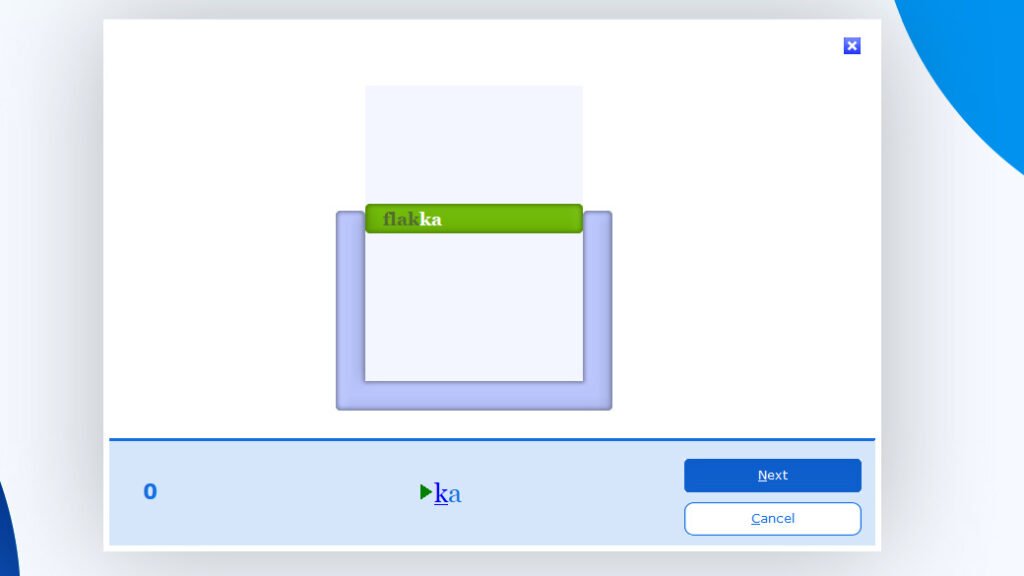
WordTris Game
In this game words fall like blocks and you must type them before they reach the bottom. It helps improve typing speed and quick thinking.
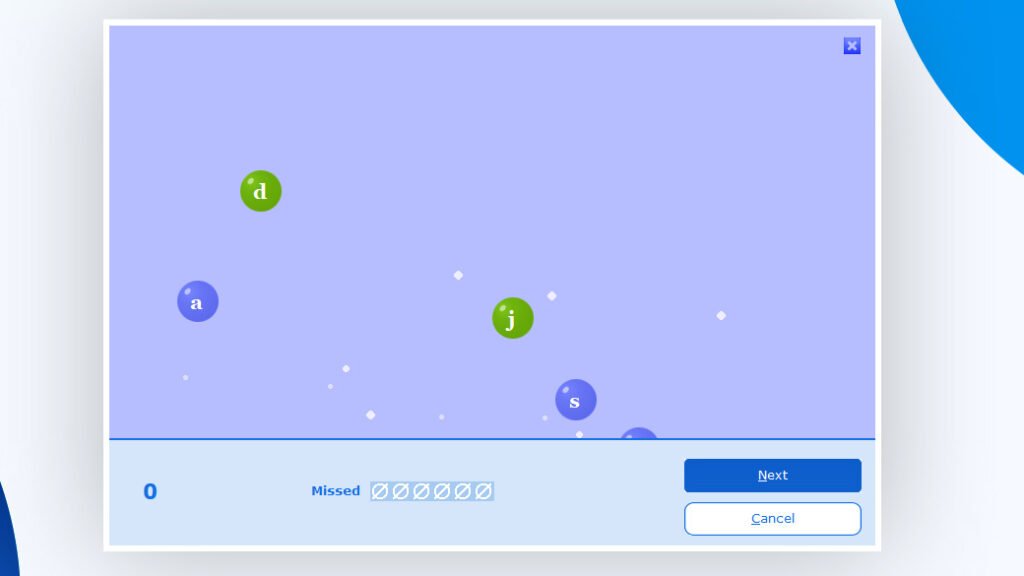
Bubbles Game
In this game letters appear inside bubbles and you need to type them before they disappear. It helps improve accuracy and reaction speed.
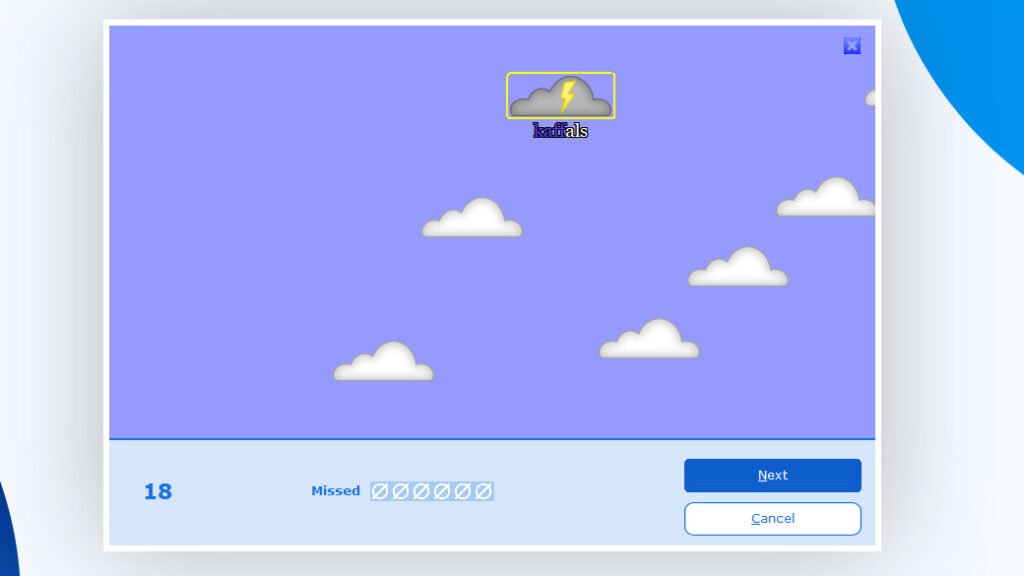
Clouds Game
In this game words move across the screen in clouds and you must type them before they float away. It helps improve speed and focus.
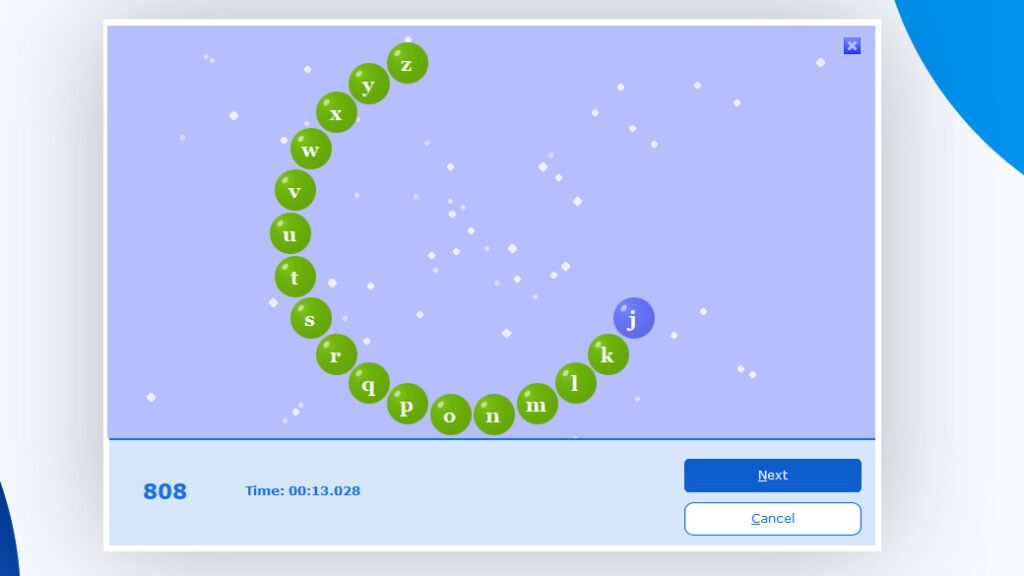
ABC Speed Race Game
In this game random letters appear and you must press the correct keys as quickly as possible. It helps improve key recognition and typing speed.
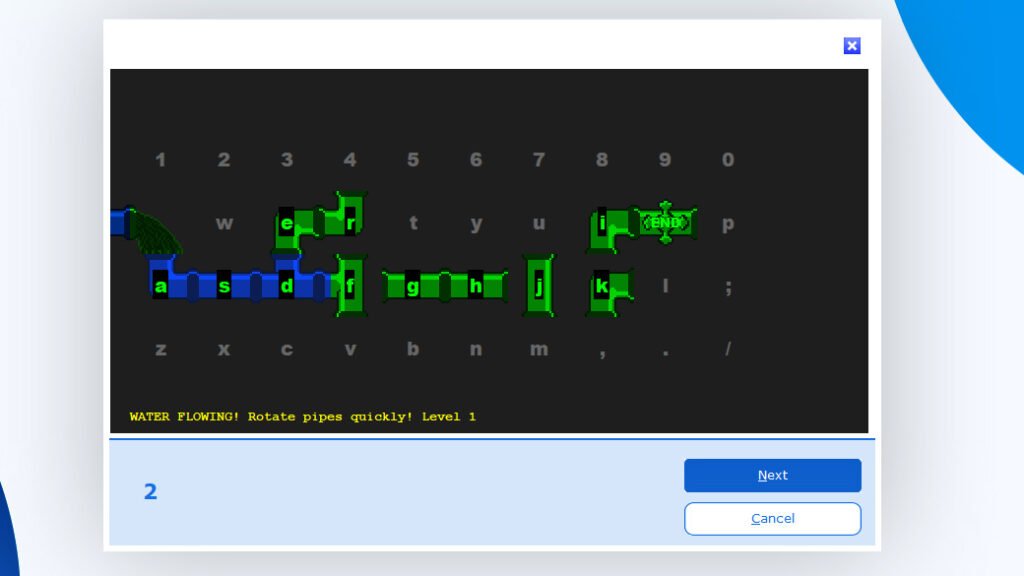
Pipe Game
In this game, you type the correct keys to keep the flow moving through pipes. It becomes faster over time and helps improve accuracy and finger coordination.
Cloud Race
Cloud Race is a fast typing game where words move across the screen. You must type them quickly before they disappear helping improve speed and reaction time.
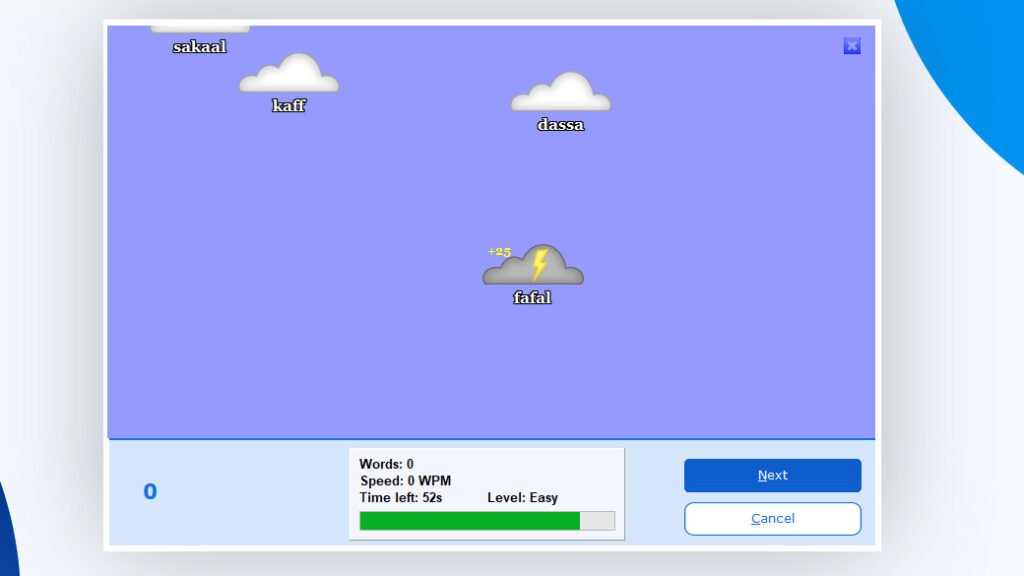
These games improve reaction time, accuracy and overall typing speed while keeping practice interesting.
Course Structure
Typing Master 12 offers a complete learning path for users of all levels.
- Starts with keyboard basics and finger positioning.
- Gradually introduces speed building exercises.
- Focuses on maintaining accuracy while increasing speed.
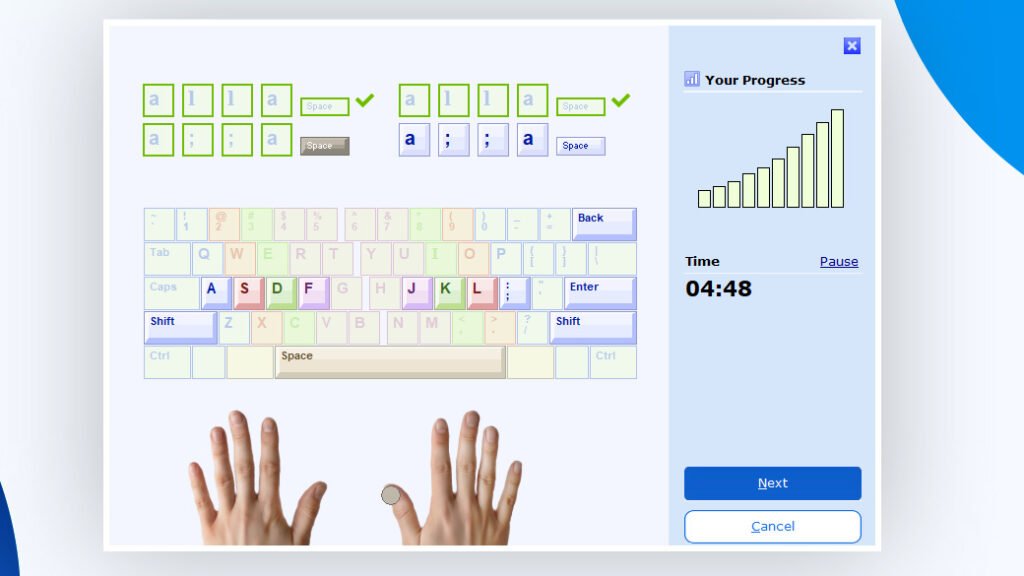
This structured approach ensures steady and measurable improvement.
Offline Access and Performance
One of the major advantages of Typing Master 12 is its lightweight design.
- Requires minimal system resources.
- Works smoothly on low-end PCs.
- Fully functional without an internet connection.
This makes it ideal for users with limited hardware or internet access.
Progress Tracking
The software provides detailed feedback after each session, helping you monitor your improvement.
It tracks:
- Words Per Minute (WPM).
- Accuracy percentage.
- Error count.
- Overall performance progress.
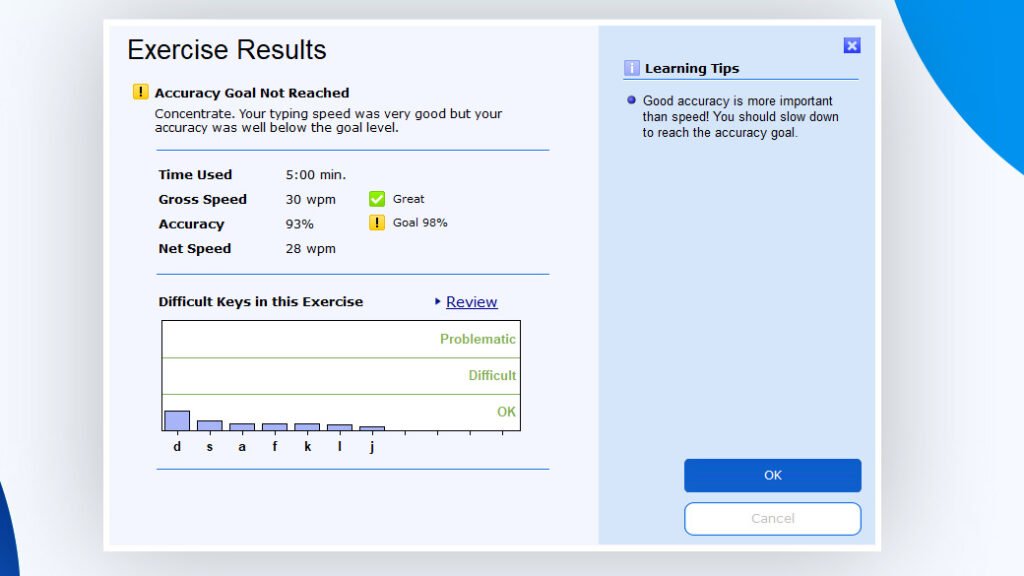
These insights help you understand your strengths and identify areas that need improvement.
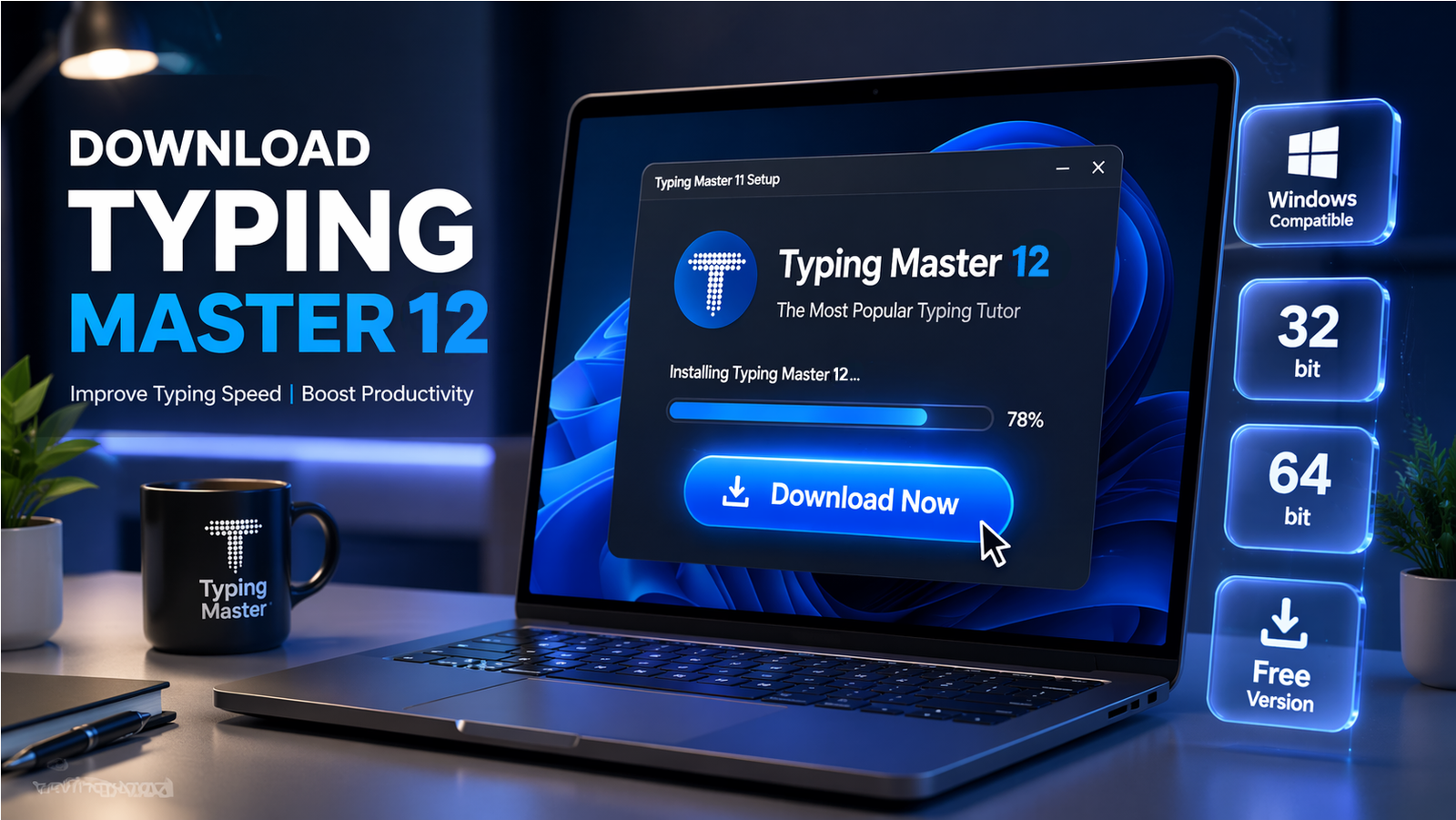
How to Download Typing Master 12
Step 1: Download Typing Master 11
- Go to the Download Link.
- Click on the download button to start downloading Typing Master 12.
Note: You can also download Typing Master Pro and Typing Master 11 for a basic learning experience.
Step 2: Extract and Run the Setup
- Right click the file and select “Extract Here“. (You’ll need a tool like WinRAR or 7-Zip to extract it.)
- After extraction, run the Typing Master 12.exe file to install program.
- Follow the on screen steps.
- Done! You have successfully downloaded and installed Typing Master 12.
Free vs Paid Version
Typing Master 12 is not entirely free. It offers a trial version with limited access.
- Users can try a few lessons in the trial version
- Full course access requires purchasing a license
The paid version unlocks all lessons, features and advanced tools.
If you want to check pricing please visit: @Check_Pricing
System Requirements
Typing Master 12 is designed to run on almost any Windows system.
Minimum Requirements:
- Windows OS (32-bit or 64-bit).
- Basic processor (Pentium 4 or higher).
- Low RAM usage.
- Minimal storage space.
Because of its lightweight nature it performs well even on older computers.
Conclusion
Typing Master 12 is an excellent tool for anyone looking to improve their typing skills. It combines structured lessons, smart learning features, engaging games and detailed progress tracking into one complete package.
Its simple interface makes it accessible for beginners, while its advanced features help experienced users refine their skills further. With regular practice, users can significantly improve speed, accuracy and confidence skills that are valuable for both academic and professional work.
Setup Information
- Software Name: Typing Master 12
- File Size: 8.49 MB
- Type: Standalone Setup
- Compatibility: Windows (32/64-bit)
- Format: WinRAR File
- Password: thelearnerz.com
Download Links
Note: Password for all files is thelearnerz.com
By clicking this button your download will start automatically, after the countdown. Please click only once and wait for the application to begin downloading.
Download