Table of Contents
What is Typing Master 11?
Typing Master 11 is a typing tutor that helps users build stronger keyboard skills through structured lessons and regular practice. It acts like a virtual guide, showing correct finger placement and helping users gradually improve both speed and accuracy.
A common problem for many learners is the habit of looking at the keyboard while typing which slows them down and leads to more mistakes. This program focuses on touch typing, training you to rely on muscle memory instead of visual checking. With consistent practice, typing becomes smoother, faster and more accurate.
The lessons are arranged in a step by step format starting with basic exercises for beginners and gradually moving toward more advanced practice. This structured approach helps users improve steadily rather than through random repetition. Overall it supports building confidence and developing efficient typing skills over time.
User Interface and Ease of Use
Typing Master 11 features a clean and user friendly interface making it ideal for beginners as well as experienced users. When you launch the software you’ll find clearly labeled sections for lessons, practice sessions and performance reports. The layout is simple and distraction free, allowing users to focus entirely on learning.
Each lesson provides step by step instructions showing which keys to press and which fingers to use. Navigation is smooth and switching between lessons or tests is quick and intuitive. Another advantage is its lightweight design. The program runs efficiently on most computers, including older systems, without slowing them down.
Why Use Typing Master 11?
Typing Master 11 is widely used because it offers a structured and effective learning system.
- Step by step lessons: Start from basics and gradually improve.
- Adaptive learning: Identifies weak keys and creates targeted exercises.
- Typing Meter: Tracks your typing habits in real time and suggests improvements.
- Skill development: Builds speed, accuracy and consistency.
The software adapts to your performance making practice more efficient and personalized.
Typing Games
To keep practice engaging Typing Master 11 includes interactive games that make learning enjoyable.
WordTris
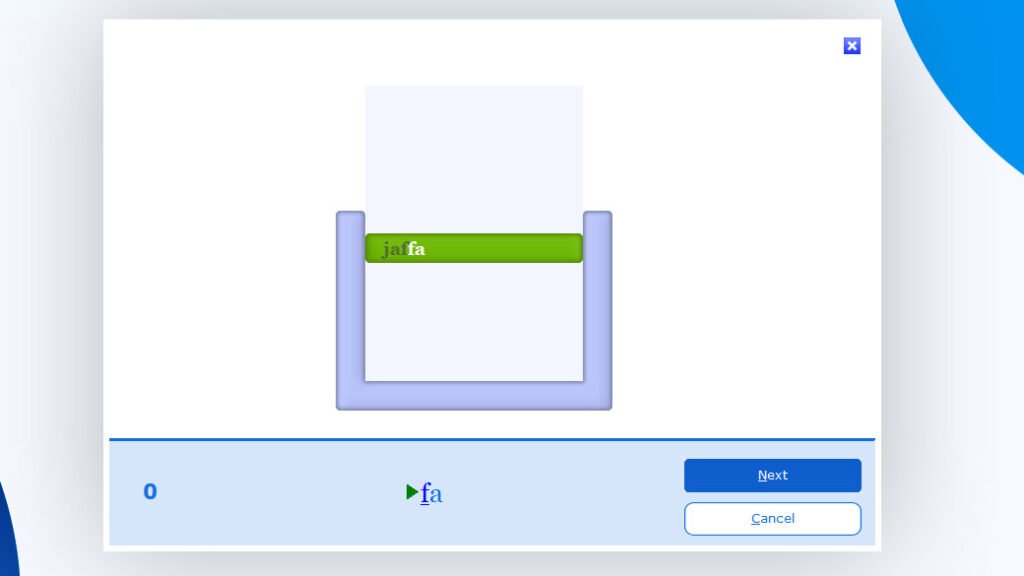
Words fall from the top of the screen like blocks, and you must type them before they reach the bottom.
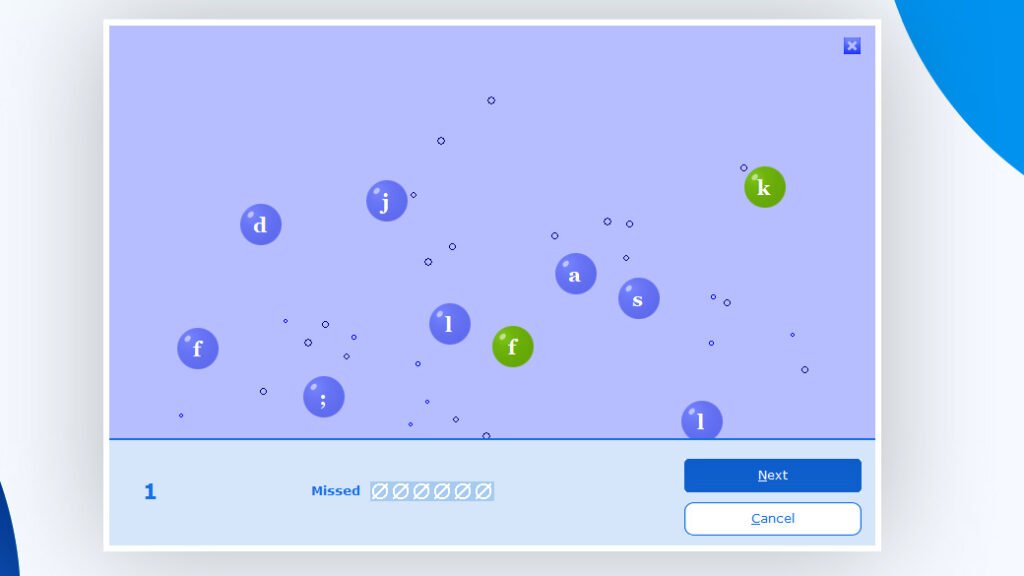
Bubbles Game
Bubbles containing letters appear randomly. You need to type each letter before the bubble disappears.
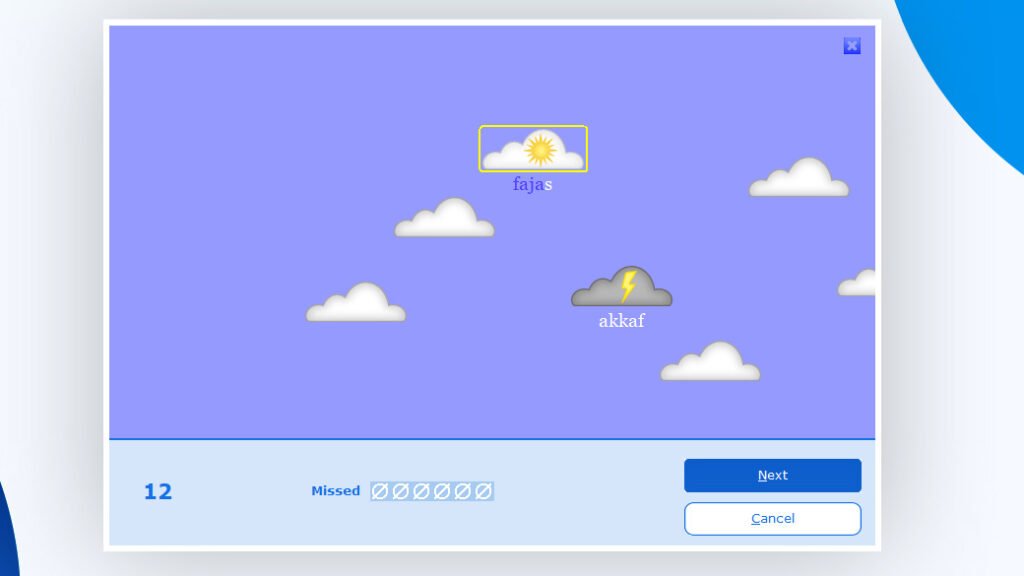
Clouds Game
Words float across the screen in clouds and your goal is to type them before they vanish.
ABC Game
Letters appear one by one and you must press the correct key as quickly as possible.
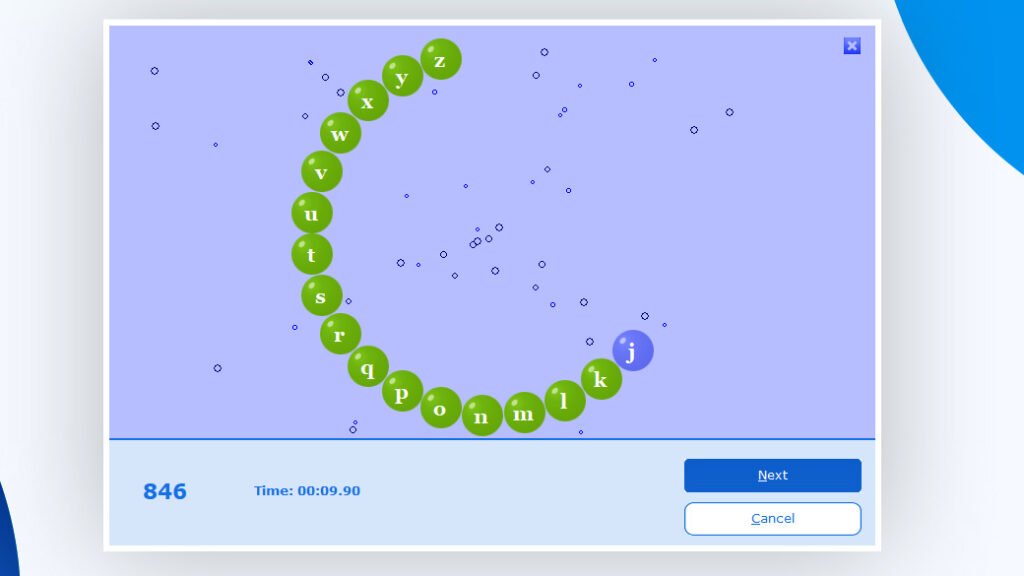
These games improve reaction speed while making typing practice less repetitive.
Course Structure
Typing Master 11 offers a complete course designed to cover all aspects of typing.
- Begins with keyboard basics and finger placement.
- Progresses to word and sentence typing.
- Focuses on improving speed while maintaining accuracy.
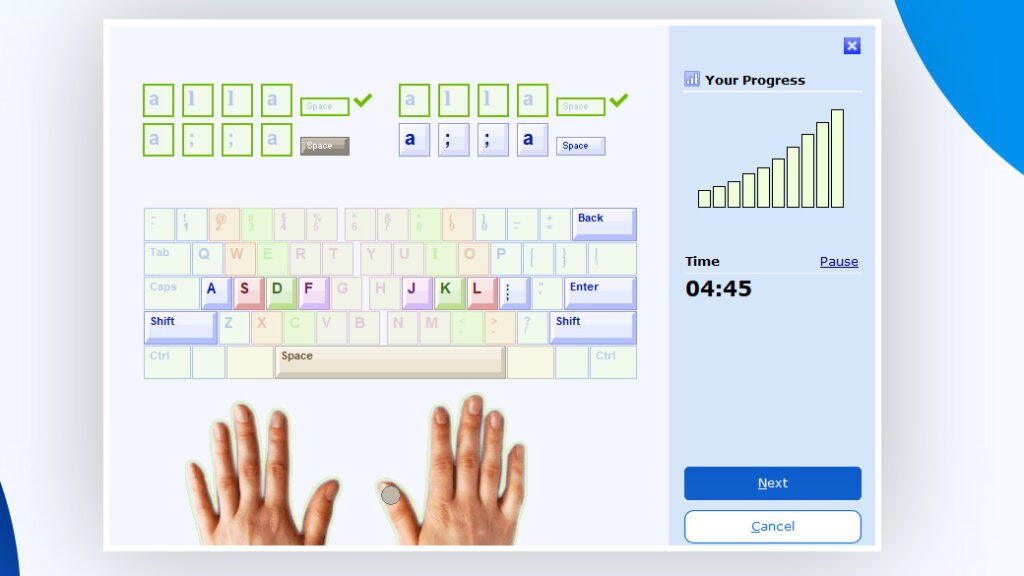
This structured system ensures gradual and consistent improvement.
Lightweight and Offline Access
One of the key advantages of Typing Master 11 is its low system requirements. It does not consume much memory or processing power.
Once installed, the software works fully offline. This is especially useful for users with limited or no internet access.
Progress Tracking
The software provides detailed performance reports after each session.
It tracks:
- Words per minute (WPM).
- Accuracy percentage.
- Error count.
- Overall progress.
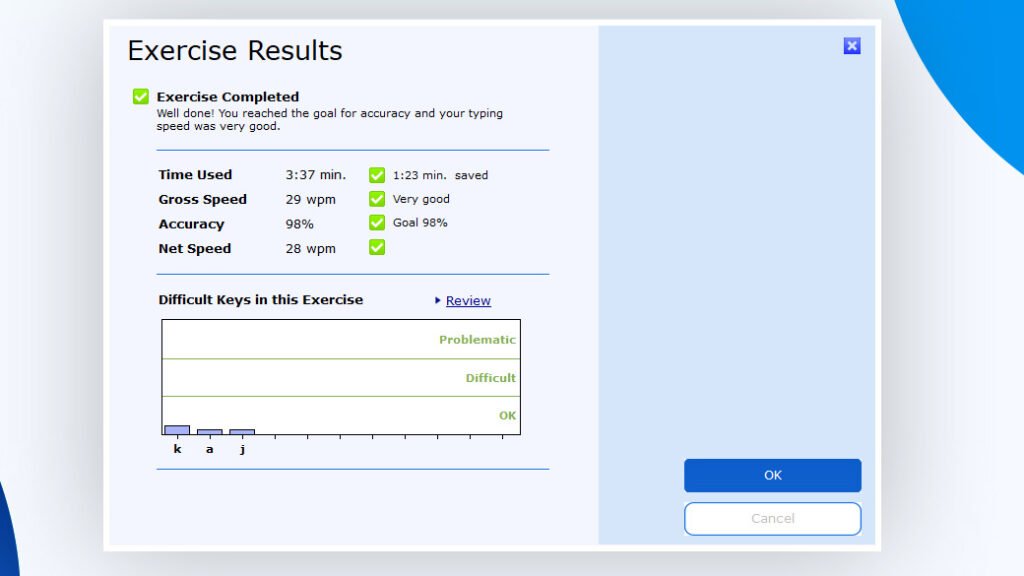
These insights help users identify weak areas and monitor improvement over time.
How to Download Typing Master 11
Step 1: Download Typing Master 11
- Go to the Download Link.
- Click on the download button to start downloading Typing Master 11.
Note: You can also try Typing Master Pro for a simpler version or upgrade to Typing Master 12 for more advanced features.
Step 2: Extract and Run the Setup
- Right click the file and select “Extract Here“. (You’ll need a tool like WinRAR or 7-Zip to extract it.)
- After extraction, run the Typing Master 11.exe file to install program.
- Follow the on screen steps.
- Done! You have successfully downloaded and installed Typing Master 11.
Is Typing Master 11 Free or Paid?
Typing Master 11 is not completely free. It provides a trial version with limited access to lessons and features.
In the trial version, only a few lessons are available. To unlock the full course and all features, users need to purchase the full version.
If you want to check pricing please visit: @Check_Pricing
System Requirements
- Windows operating system.
- Basic processor (Pentium 4 or higher).
- Low RAM usage.
- Minimal storage space.
Its lightweight nature makes it suitable even for older PCs.
Conclusion
Typing Master 11 is a helpful tool for improving keyboard skills in a structured and simple way. It guides users step by step starting from basic lessons and gradually moving toward more advanced practice. This makes it easier to build confidence and develop steady typing habits.
The program focuses on touch typing, helping users stop relying on looking at the keyboard and instead develop muscle memory. With regular practice, this leads to smoother, faster and more accurate typing.
It also includes varied exercises and progress tracking which help keep practice engaging and show clear improvement over time. The interface is easy to use making it suitable for beginners as well as more experienced users. Overall it is a practical option for anyone who wants to improve typing speed, accuracy and overall efficiency on a computer.
Setup Details
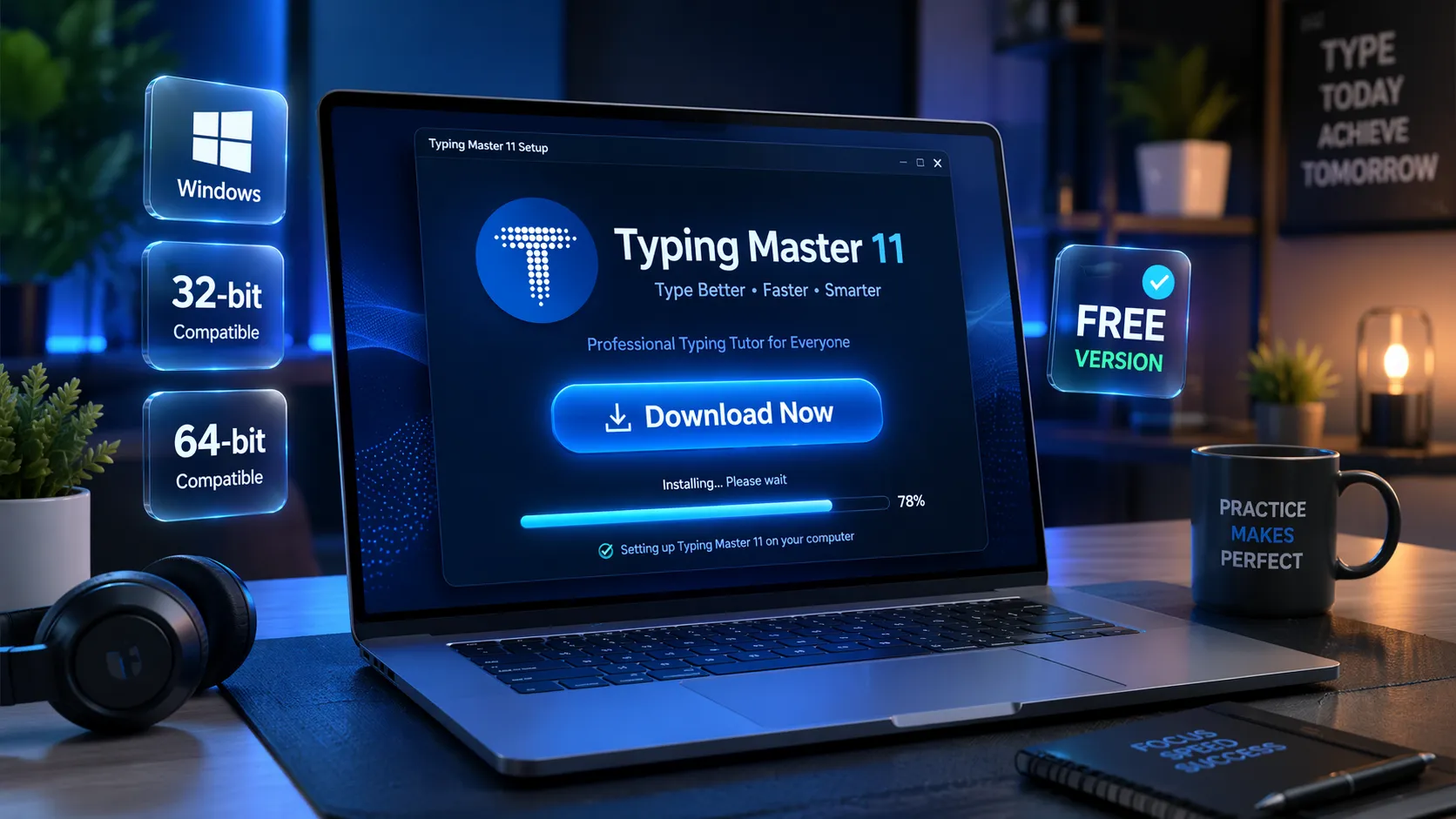
- Software Name: Typing Master 11
- File Size: 8.49 MB
- Type: Full Standalone Setup
- Compatibility: Windows (32-bit & 64-bit)
- File Format: WinRAR File
- Password: thelearnerz.com
Download Links
Note: Password for all files is thelearnerz.com
By clicking this button your download will start automatically, after the countdown. Please click only once and wait for the application to begin downloading.
Download